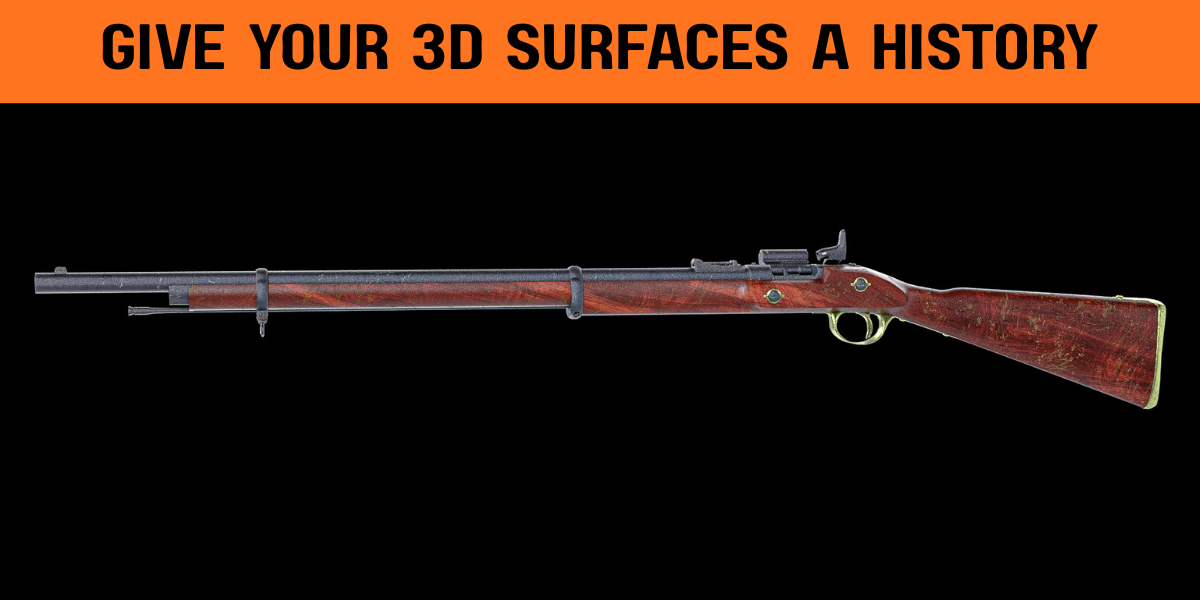
MatricX PRO · Surface System · Blender
Build finished surfaces.
Not shader networks.
MatricX Pro brings professional materials, layered imperfections, paint masks, decals, trim sheets and reusable PBR materials into one Blender workflow — so you can spend more time designing and less time configuring.
01 / The Problem
Texturing shouldn't mean
rebuilding the workflow.
The hard part isn't creating one good material. It's rebuilding the same setup every time you need another believable surface.
MatricX turns that repetitive process into a reusable, artist-facing workflow.
02 / The Workflow
From clean model
to finished surface.
Apply a material · layer imperfections · paint effects exactly where they belong · add decals and trim-sheet detail · render the finished surface.
.gif)
03 / The Result
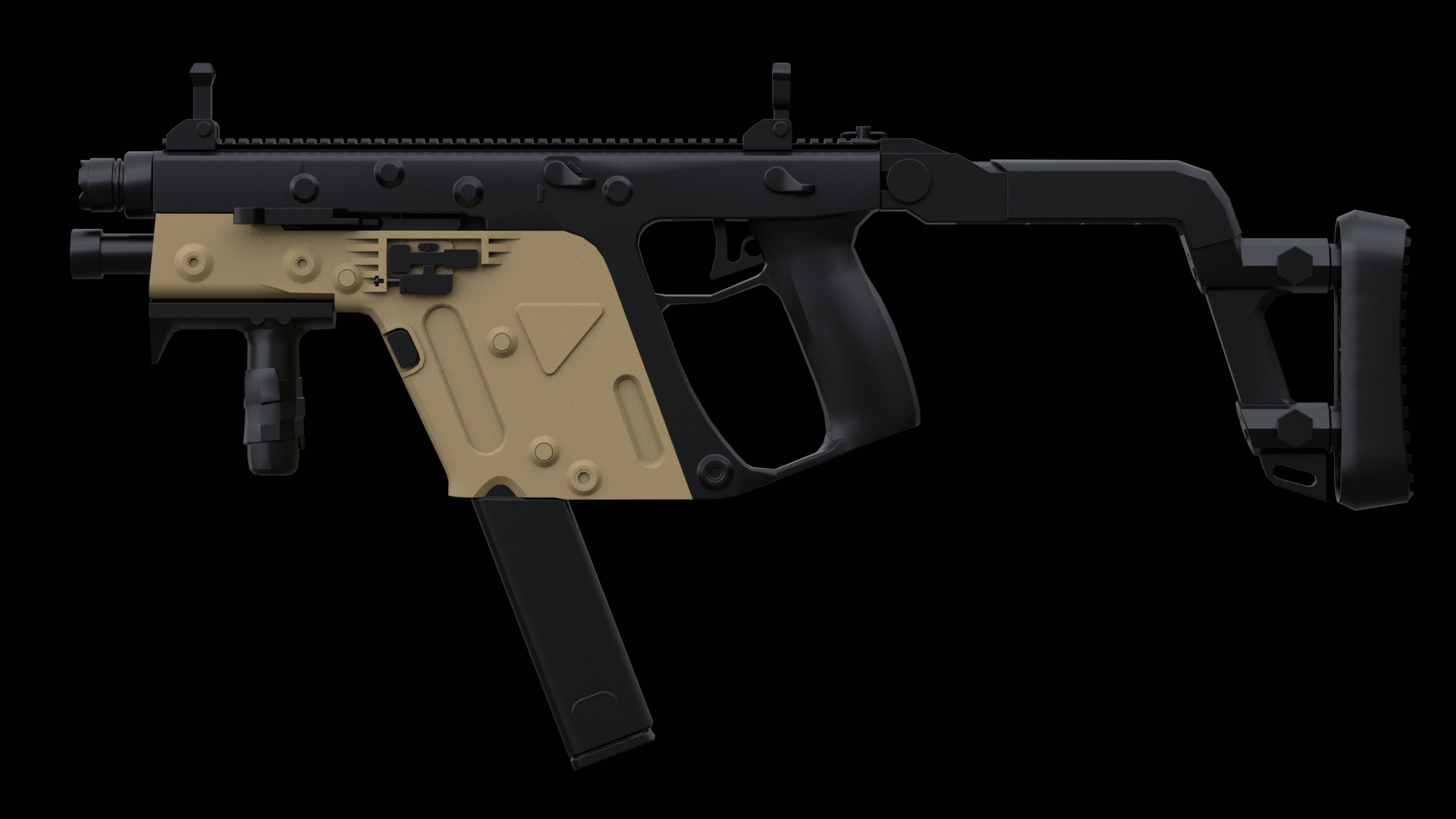
Same model.
Different story.
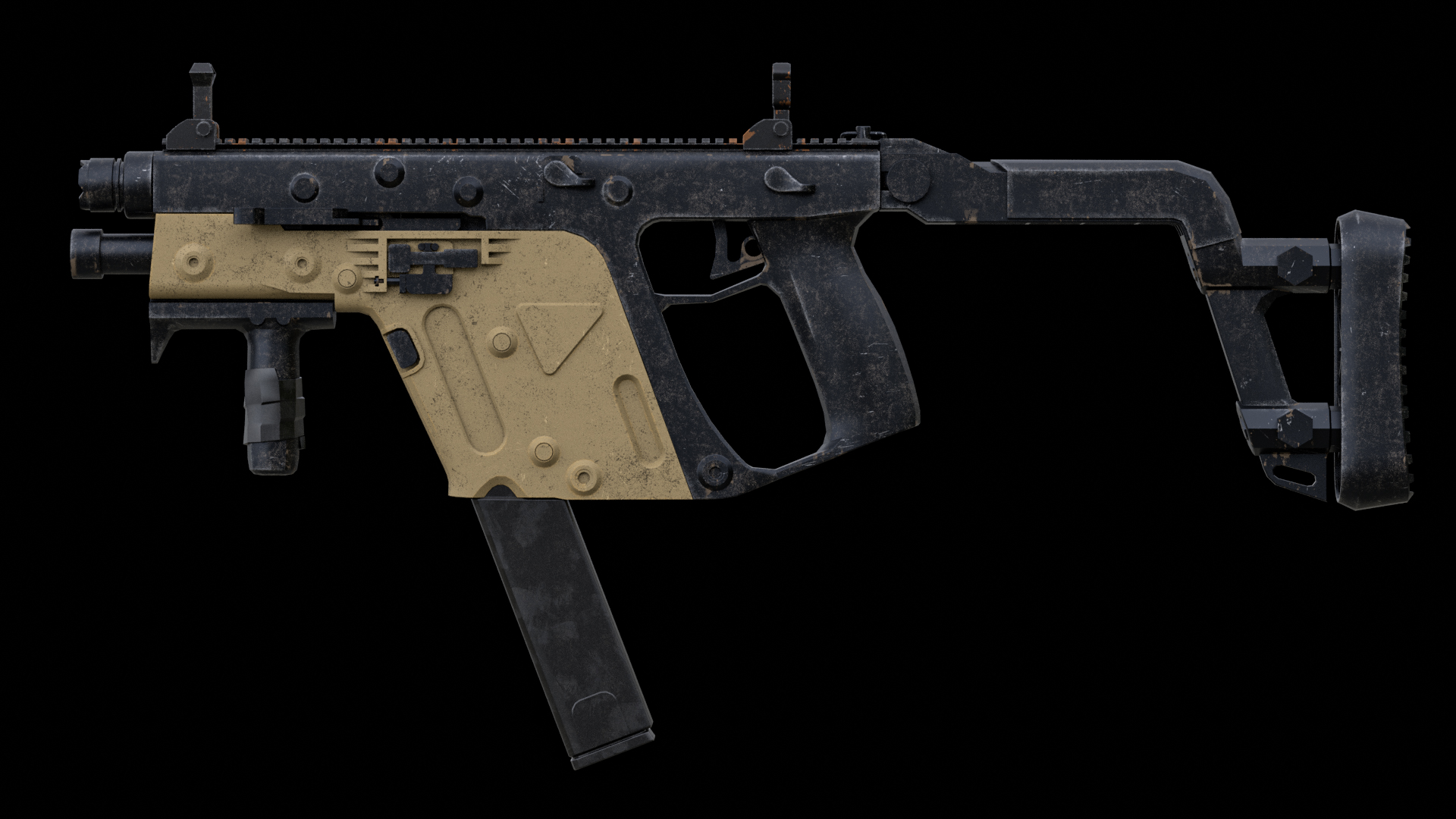
 BEFORE
AFTER
BEFORE
AFTER
drag to compare
Geometry gives the object its shape. Surface history makes it believable.
04 / Material System
Start with a finished surface.
Then make it yours.
You don't just receive presets. You receive strong starting surfaces that stay fully editable.
55 Premade Materials
Metal, plastic, wood, fabric, glass, rubber, leather and specialty shaders.
Pre-Built Surface Histories
Many materials ship with complete imperfection stacks already layered on, ready to use as-is.
Editable Layer Stacks
Reorder, retune, or strip back any authored layer — nothing is locked.
Restore Anytime
One click returns a material to its original authored recipe.
.png) Metal
Metal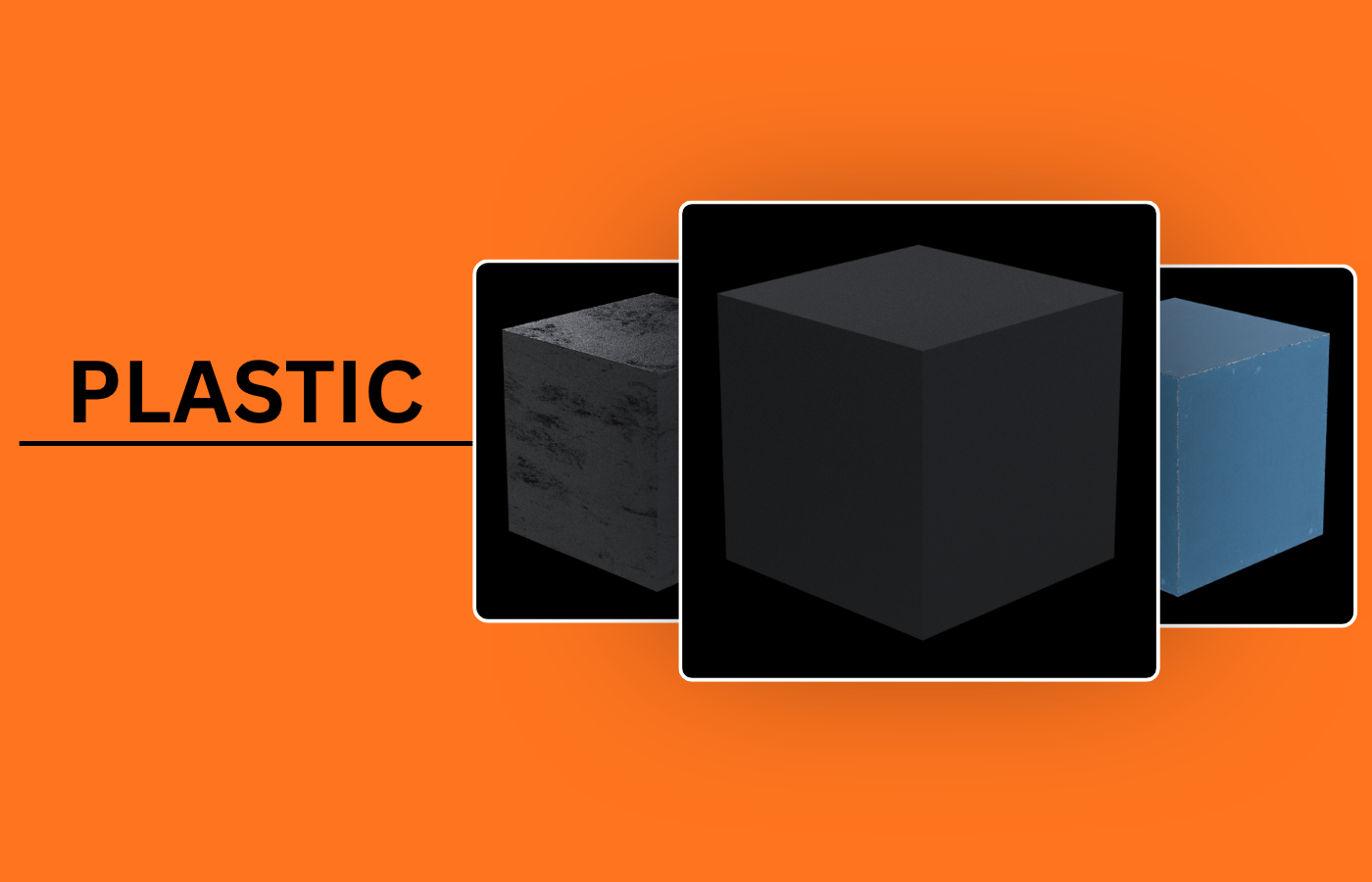 Plastic
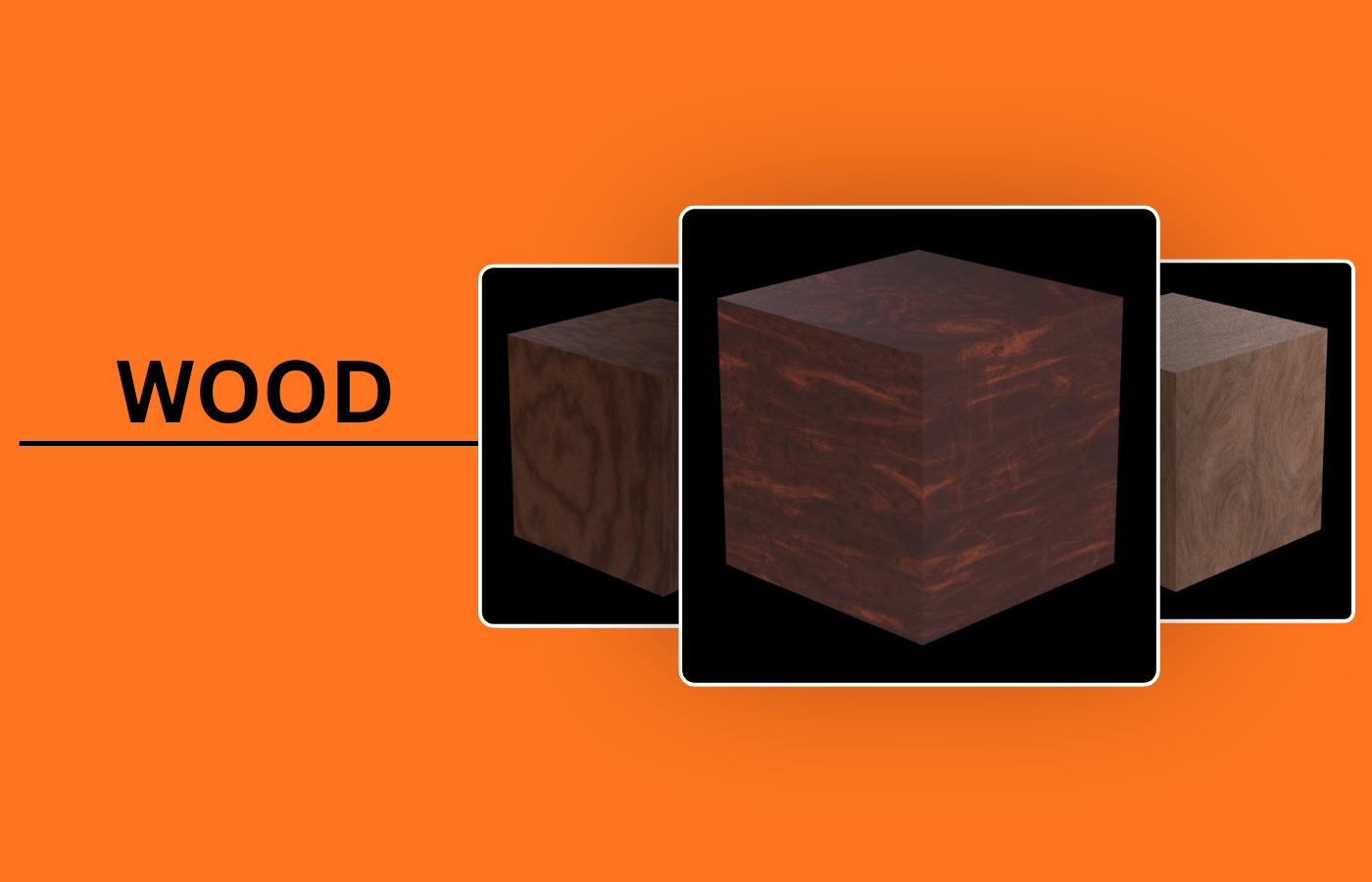 Wood
Wood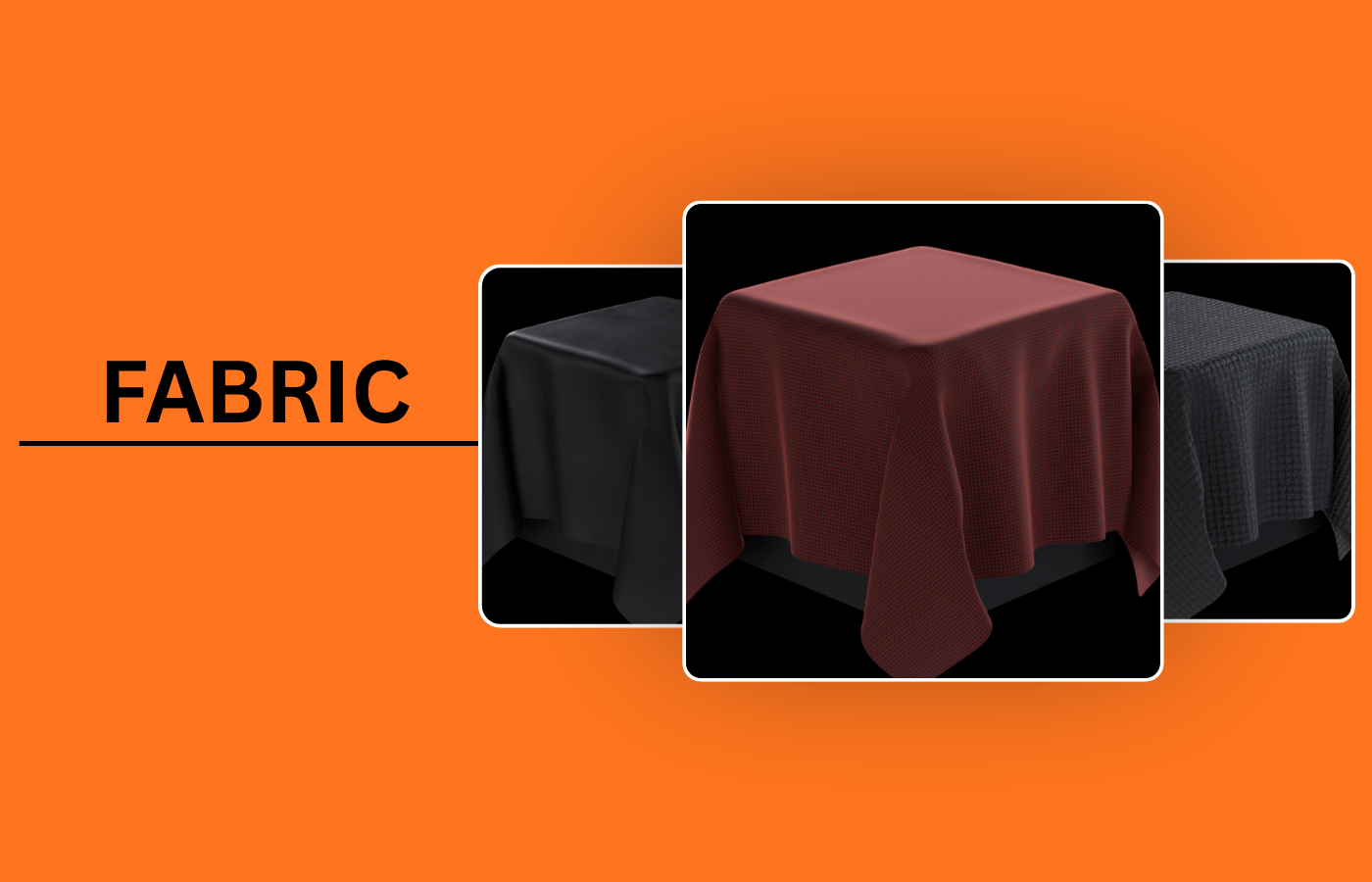 Fabric
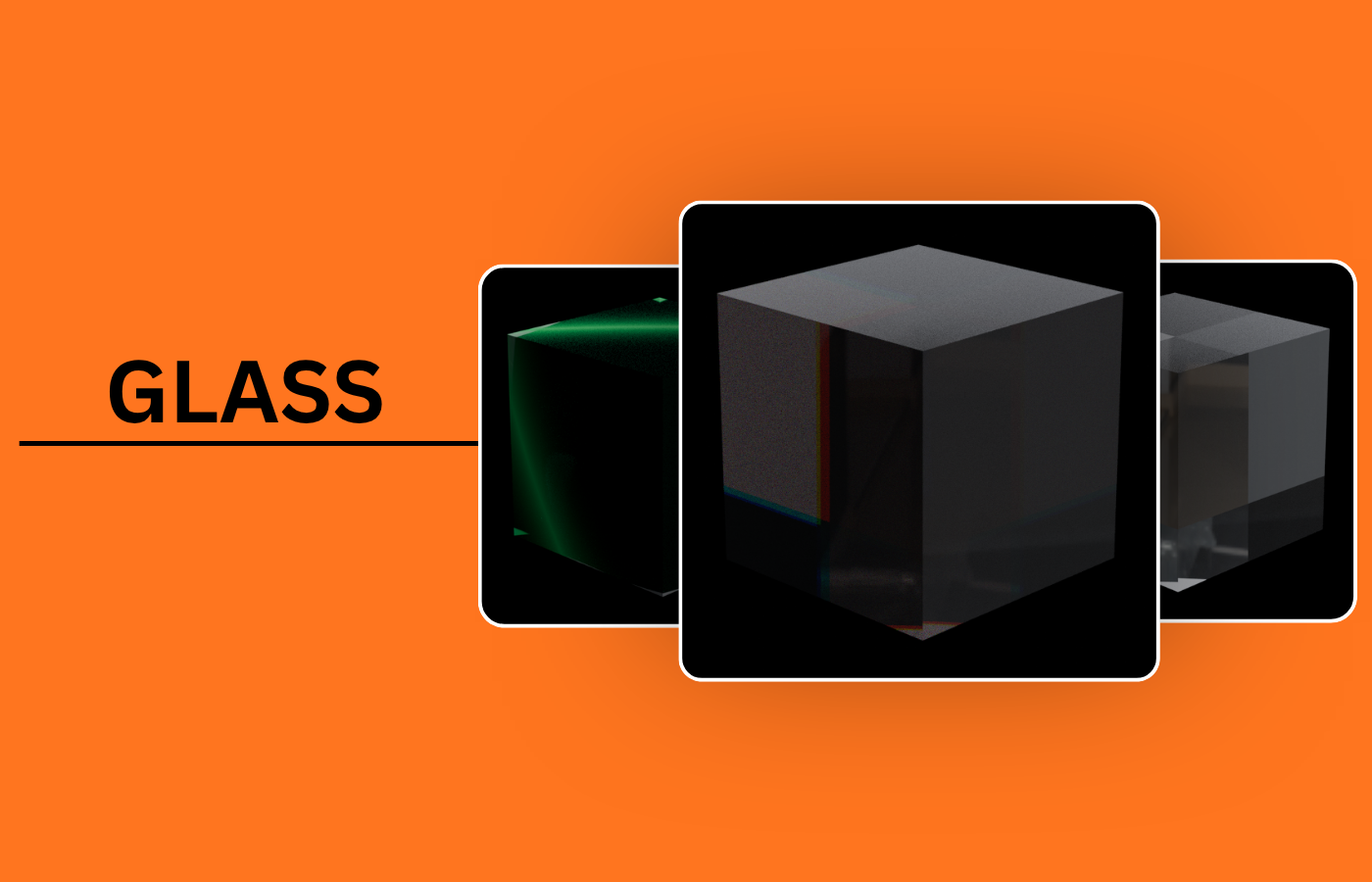 Glass
Glass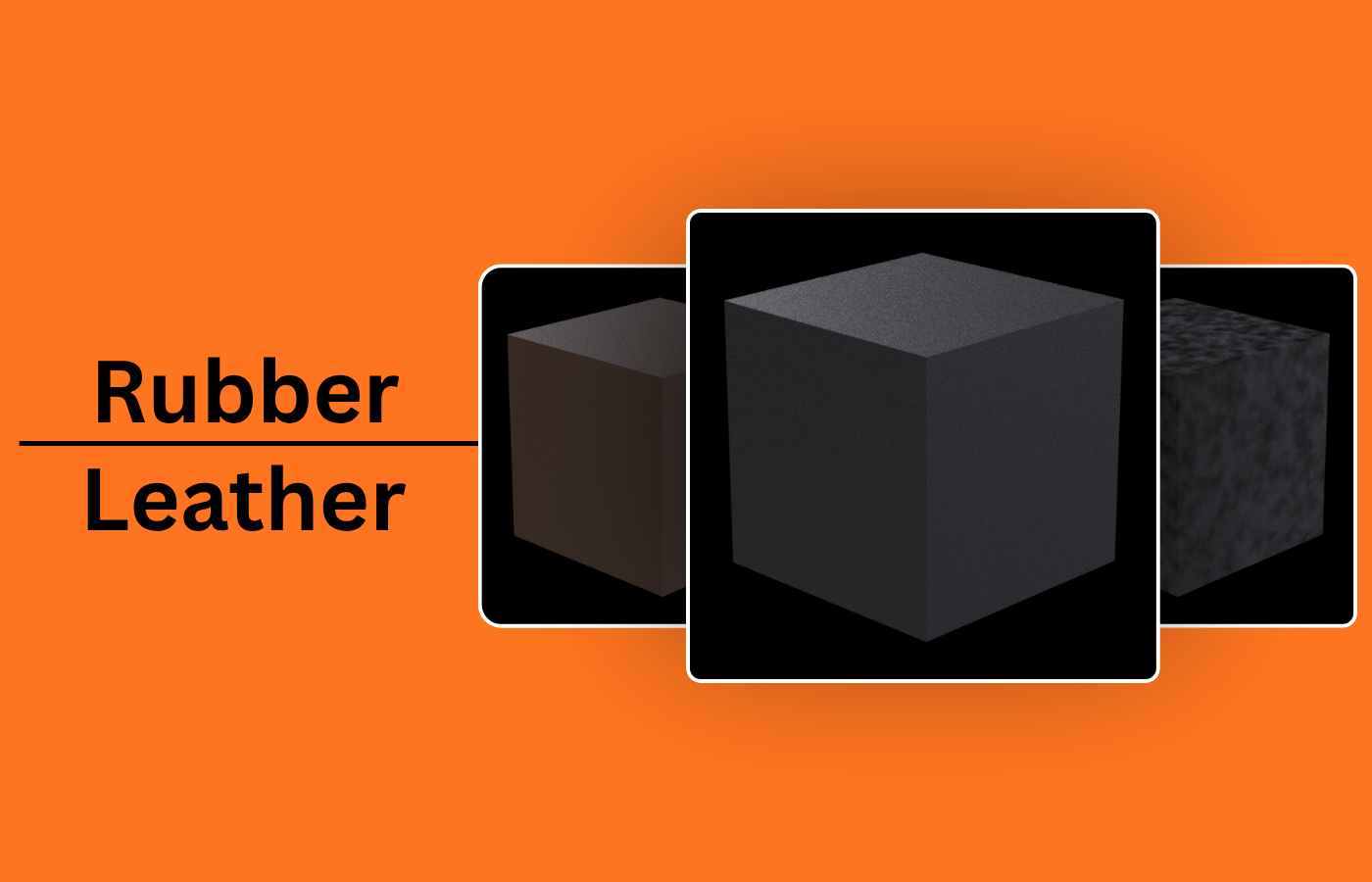 Rubber & Leather
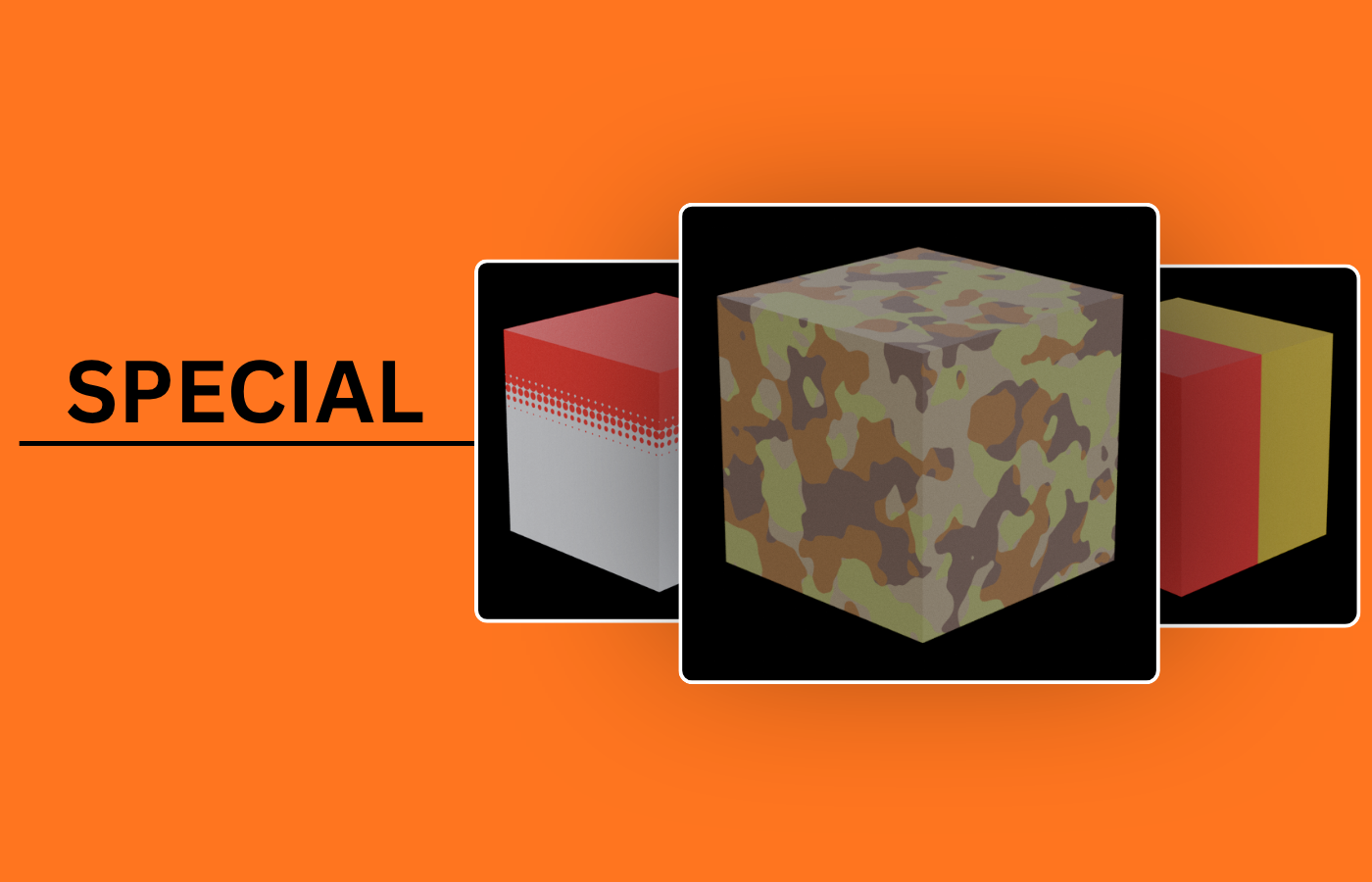 Special Mat
swipe or tap to browse the full material collection
05 / Imperfection Studio
Don't add grunge.
Build a history.
Build believable surface history from controllable layers — not a single grunge pass.
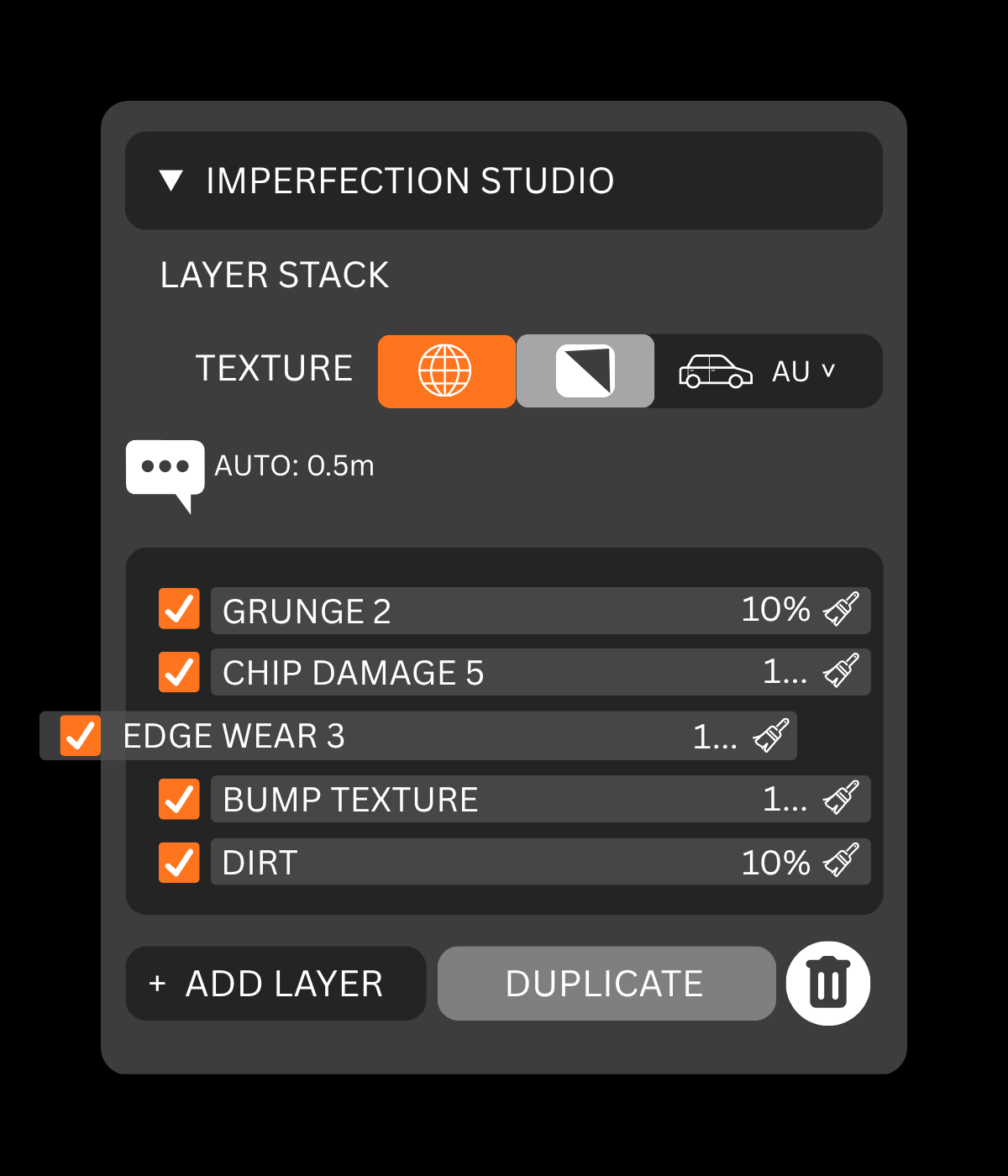
Edge & Damage
Scratches & Marks
Dirt & Weathering
Tone & Finish
06 / Art Direction
Procedural speed.
Hand-painted intention.
Procedural gets you there fast. Paint Masks let you decide exactly where the story happens.
.gif)
07 / Detailing
Detail the surface.
Without breaking the flow.
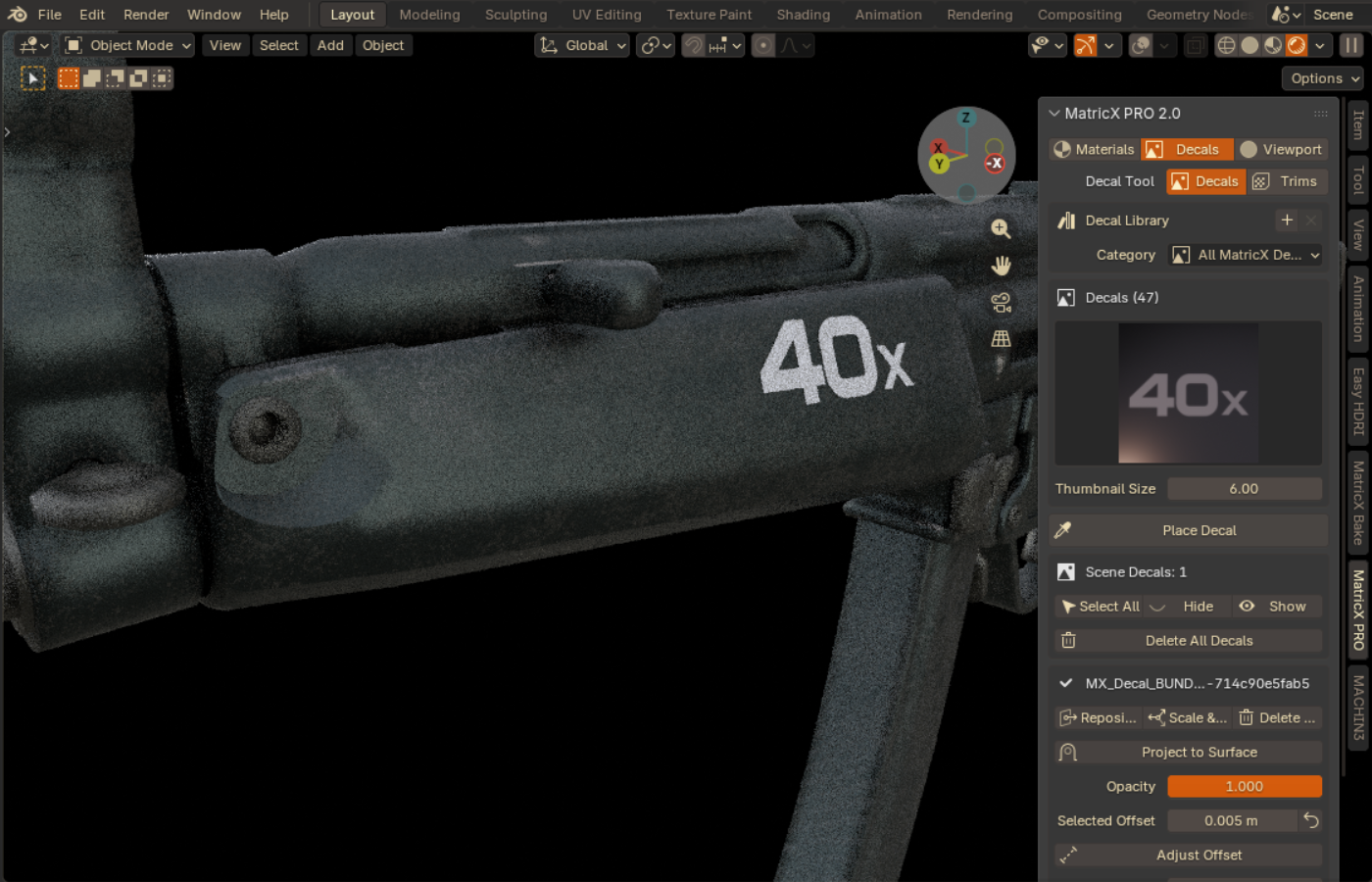
Place, project, recolor
Place · Project · Scale · Rotate · Recolor
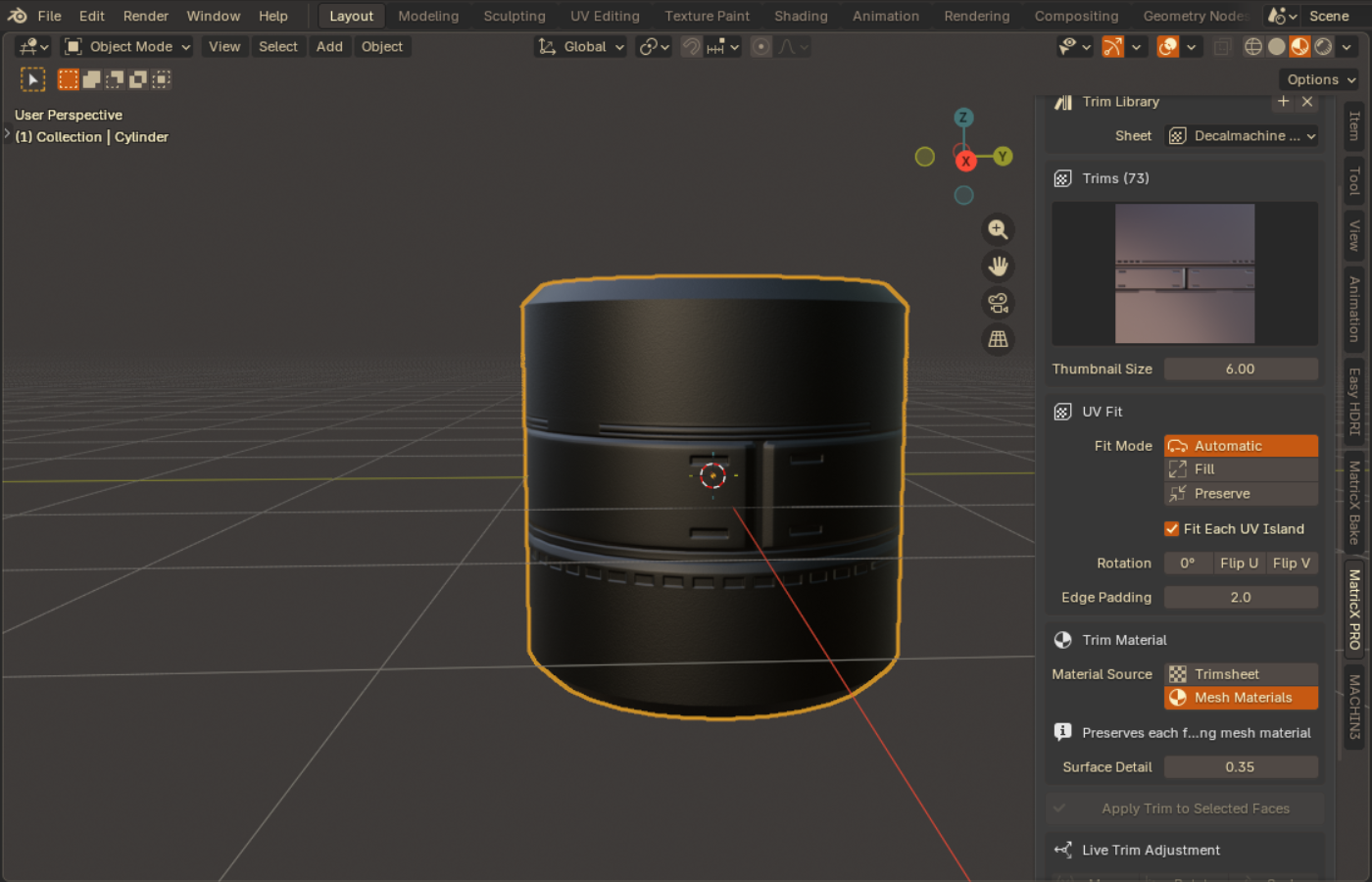
Fit sheet regions to faces
Select Faces · Choose Region · Fit · Adjust
08 / Design Your Own
Design your own material.
Save it as a preset.
Not just 55 premade materials — build your own from scratch, right inside MatricX.
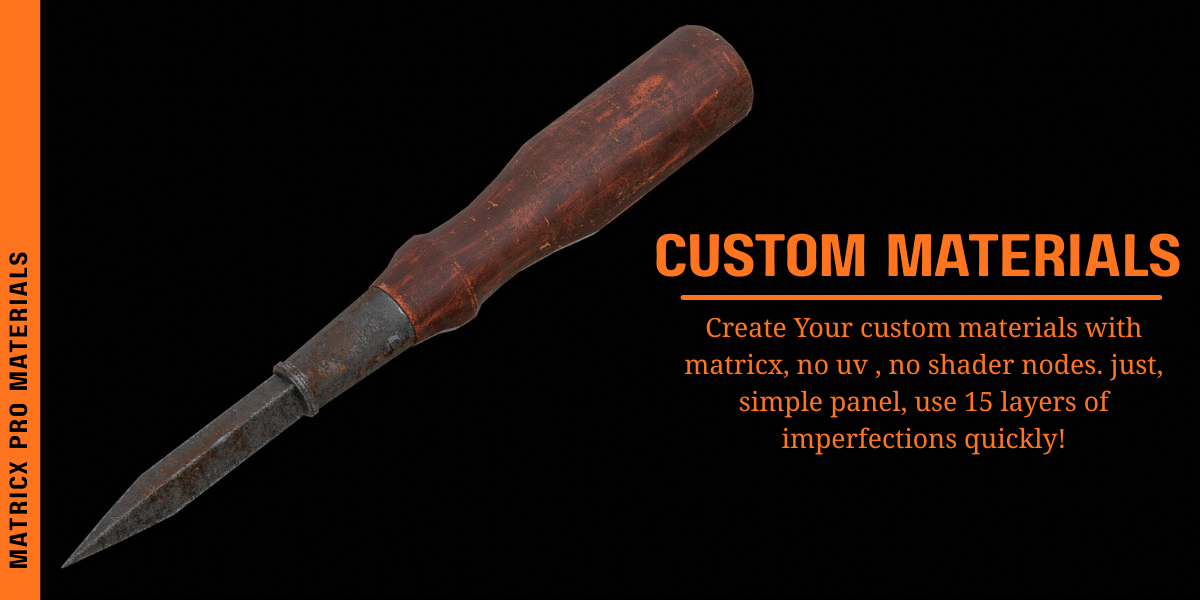
Set your own base colour and surface properties, then layer in edge wear, rust, dirt or any of the 15 imperfection types — all from one panel, no UV work, no shader nodes. Save the result as your own custom preset, ready to reuse on any object.
09 / Automation
Change the object.
Keep the material right.
Scale and rotate freely — procedural textures and edge effects stay locked in place, without applying transforms.
.gif)
10 / Why MatricX
Not another
material pack.
MatricX is designed for artists who want the speed of procedural workflows without surrendering artistic control.
Choose preset → Use preset → Move on
Start with authored material → Layer surface history → Art-direct effects → Paint locally → Add decals/trims → Design your own preset → Continue editing
11 / Built For
Built for artists
who finish surfaces.
Detail props and mechanical parts without hand-building wear every time.
Get a surface to read as real, fast enough to keep pace with iteration.
Ship presentation-ready materials without a dedicated texturing pass.
Iterate on surface variants without rebuilding shader graphs each time.
Finished, believable materials for renders that need to look real now.
12 / Going Beyond Blender?
Create in MatricX.
Bake for the game engine.
If your work stays inside Blender, MatricX Pro may be all you need. If you need baked texture maps for a game-engine workflow, MatricX Bake picks up where Pro leaves off.
Build Surface
Bake Textures
MatricX Pro builds the surface. MatricX Bake turns that result into texture maps for workflows that need to leave the procedural Blender environment.
Optional module — existing Bake customers only
You Already Solved Baking
Now speed up
surface creation.
MatricX Bake handles the delivery side. MatricX Pro handles surface creation. Together they form a more complete workflow.
Existing Bake customer discount: BAKE2PRO
Optional module — existing Pro customers only
Taking Your Surfaces Into a Game Engine?
Your surface is finished.
Now bake it.
MatricX Bake is designed to turn the MatricX result into texture maps for workflows that need to move beyond Blender.
Existing Pro customer discount: PRO2BAKE
13 / Everything Included
One surface workflow.
Everything inside.
- ✓55 Premade Materials
- ✓Custom Material Creation
- ✓Pre-Built Imperfection Stacks
- ✓15 Imperfection Types
- ✓Paint Masks
- ✓Decal System
- ✓Trim Sheet Workflow
- ✓Custom Material Presets
- ✓Live Scale Compensation
- ✓Live Rotation Compensation
- ✓Viewport Material Tools
- ✓Official Decal Library
- ✓Documentation
14 / Choose Your Access
Same core system.
Choose how far you want to go.
Every tier includes the full MatricX surface workflow — all materials, the imperfection system, decals, trims and custom presets. Higher tiers add deeper support and collaboration, not a more complete version of the tool. Pick your tier using the selector above and add it to cart from there.
| Tier | Price | What's Different |
|---|---|---|
| Creator Access | $79 | Full surface workflow — all materials, decals, imperfection system, live mapping, viewport tools |
| Pro Studio POPULAR | $129 | Everything in Creator Access, plus priority support and faster response |
| Elite Custom | $269 | Everything in Pro Studio, plus custom updates and tailored workflow integration |
| Enterprise Partner | $519 | Everything in Elite Custom, plus direct roadmap collaboration, early access, and dedicated onboarding |
Save 20% on MatricX Pro
Superhive checkout pricing is authoritative — coupon must be valid and applied at checkout.
Specifications
The technical details.
15 / Before You Buy
The things
you should know.
Does MatricX replace Blender materials?
No. MatricX materials are built on standard Blender shader nodes — they work alongside anything else in your scene.
Do I need UVs?
Not for most materials. Procedural materials work without unwrapping. The fabric weaves are UV-mapped, and trim sheets use UVs by design since they place sheet regions onto faces.
Can I build my own materials?
Yes. Set your own base colour and properties, layer in any of the 15 imperfection types, and save the result as your own custom preset for reuse.
Can I edit materials after applying them?
Yes. Every layer stays editable — reorder, retune, or remove any effect, any time.
Can I control exactly where imperfections appear?
Yes, with Paint Masks — brush any imperfection layer directly onto the mesh instead of relying on a procedural mask alone.
Does it support decals?
Yes — place, project, scale, rotate and recolor decals, plus support for your own decal libraries.
Does it support trim sheets?
Yes — select faces, fit a trim region, and adjust live afterward.
What Blender versions are supported?
Blender 4.5 and newer, tested through Blender 5.2.
What's the difference between Creator Access, Pro Studio, Elite Custom and Enterprise Partner?
All four include the same complete MatricX surface workflow. Higher tiers add faster support, tailored updates, and direct collaboration — not extra core features.
Do I need MatricX Bake?
No. MatricX Bake is for users who need to bake their finished MatricX surfaces into texture maps for workflows such as game engines. If your work stays inside Blender, Pro is complete on its own.
Need the details? Read full documentation.
MatricX PRO
Create more.
Configure less.
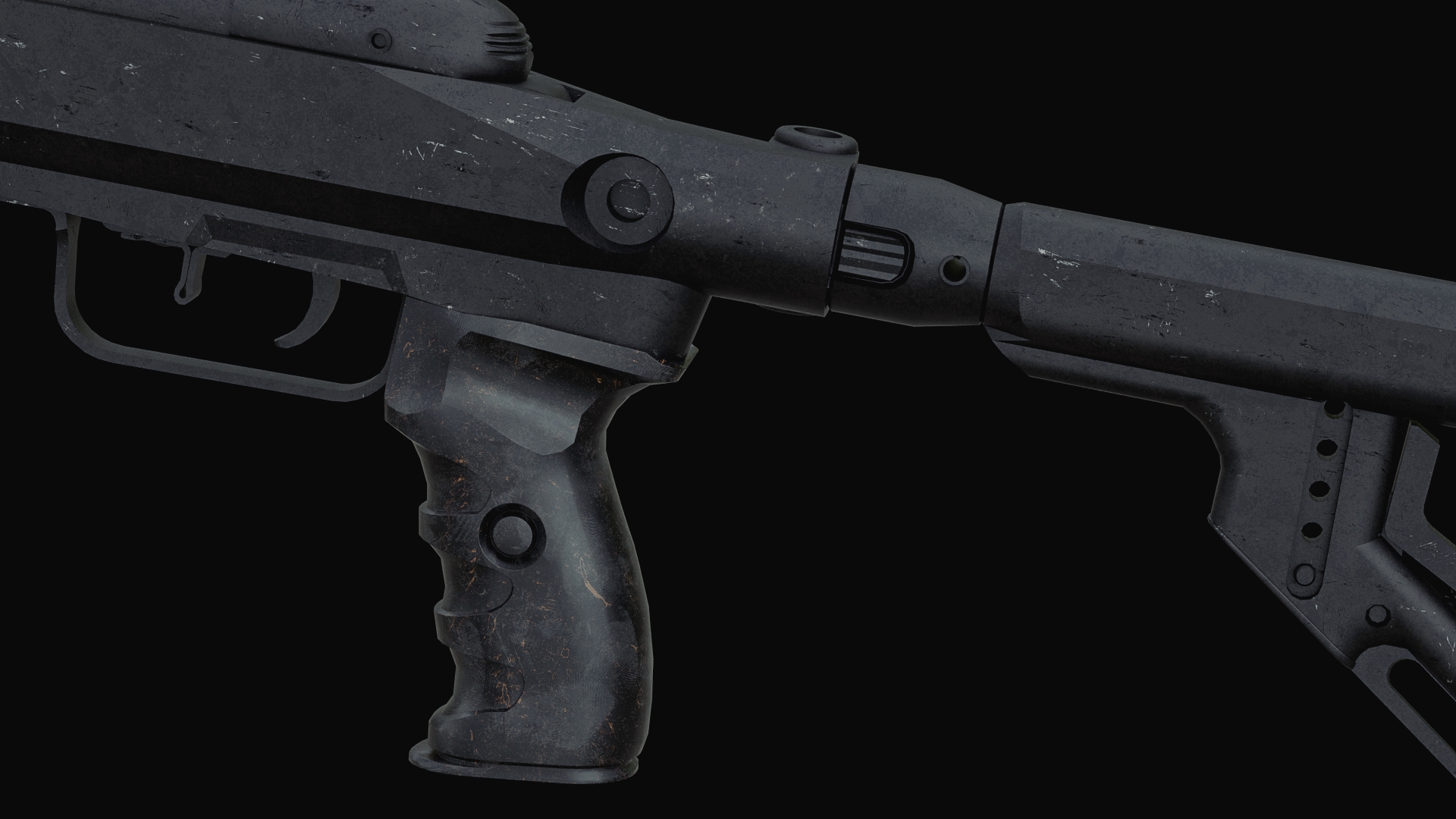
Build materials, layer surface history, direct imperfections and finish your assets — without turning every project into another shader-building exercise.